


You open your calendar and see too many empty dates over the coming weeks, so you compare your property with others nearby, lower the price a little and wait. Yet bookings are not coming in as quickly as you expected.
It is a fairly common situation, and it does not always mean your property lacks appeal. Your listing may rarely appear in searches, travellers may see it without clicking, or they may open it and find something that stops them booking.
That is why improving holiday rental occupancy means rethinking the whole guest journey. Price matters, of course, but so do availability, photographs, reviews, cleanliness, booking conditions and the way you distribute your property across platforms.
So we have put together the guide below to help you identify where you are losing bookings and what you can change without relying on discounts that fill your calendar at the expense of profitability.
Sound useful? Let us start at the beginning…
Before Changing Anything, Identify Where You Lose Bookings
Airbnb defines occupancy as booked nights divided by the nights available to book.
To make that clearer: if you make 20 nights available and sell 16, your occupancy rate is 80%. If you open 30 and sell 21, it falls to 70%, even though you have sold more nights.
This example explains why the Airbnb occupancy rate should not be assessed on its own. Blocking dates reduces the number of available nights and can make the percentage look better without securing a single extra booking.
Before changing your prices, distinguish between these situations:
- Few impressions: review availability, minimum stays, filters, pricing and the overall quality of your listing.
- Plenty of impressions but few visits: your main photo, total price or ratings may be discouraging people from clicking.
- Plenty of visits but few bookings: check your conditions, additional images, description, reviews and the confidence your listing inspires.
- Bookings that end up being cancelled: examine your cancellation policy, the accuracy of your listing and the expectations it creates.
- Good occupancy but a low margin: you may be selling too cheaply or accepting stays that cost more than they bring in.
If you want a better understanding of the calendar, bookings, payments and platform tools, you can read about how Airbnb works for hosts.
Adjust Prices to Demand Rather Than Using a Fixed Ratea

Airbnb says it compares your property’s total price with nearby, similar properties for the selected dates. An uncompetitive rate can therefore reduce both clicks and your listing’s position.
That does not mean you always have to be the cheapest. Comparisons are useful when they include properties a guest would see as realistic alternatives: the same immediate area, similar capacity, bedroom numbers, amenities, views, a pool, parking and a comparable standard.
For example, a villa with a pool does not compete on the same terms as a studio without a terrace, even if both are in the same town. Nor does it make sense to copy the rate of a property that remains unbooked for months, because that price may reflect the owner’s expectations rather than what the market is willing to pay.
Instead, refine your pricing by date and review:
- Season and day of the week.
- Public holidays, events and local demand.
- How far in advance bookings usually arrive.
- Occupancy already secured for that period.
- Empty nights between two stays.
- The length of each booking and the costs it generates.
You can use introductory, last-minute or long-stay discounts, but each should meet a specific need. A reduction that secures one extra night does not improve your business if commission, cleaning, laundry and utility costs absorb the income.
Demand also varies considerably by destination and time of year, so keep that in mind.
To explore this without going into too much detail here, you can read our article on high season in Spain, which explains why August, January or a week with a local event call for different strategies.
Use Photos That Win Clicks and Answer Guests’ Questions

Your first photo competes with dozens of properties on a small screen, usually a mobile phone. It needs to show the main reason to choose your property straight away, whether that is a terrace, the views, a pool, a bright living room or a particularly practical location.
After the click, the role of your images changes: as well as attracting attention, they need to help guests understand what they are booking. Show all the important rooms, the layout, bathrooms, bedroom sizes, access and anything that could affect the experience.
In particular, look out for these mistakes:
- A dark or unremarkable cover photo.
- Several almost identical images of the same room.
- Old photographs that no longer represent the property.
- Excessive wide-angle photography that distorts its true size.
- Missing photos of bathrooms, access, parking or outdoor areas.
- Editing images so heavily that guests find something different from what they expected.
We mention this because Airbnb and Booking include photographs among their listing quality and content signals. There is no reliable percentage that guarantees how much occupancy will rise if you hire a photographer, but clear images do influence clicks, confidence and perceived accuracy.
Improve the Guest Experience Before Asking for More Reviews
When a property receives low ratings, identify recurring issues and address their cause before asking for more reviews.
As you probably know, Airbnb lets guests rate aspects such as cleanliness, accuracy, check-in, communication, location and value for money. Booking also incorporates reviews and content quality into its recommendation systems.
If several guests have mentioned the same noise, an uncomfortable bed or confusing instructions, you already have a fairly clear clue.
Our recommendation is to organise reviews by category, look at the most recent ones and connect each problem with your day-to-day operation. Sometimes improving check-in instructions will be enough; at other times, you may need to replace a mattress, strengthen cleaning procedures or explain a limitation that has not appeared in the listing until now.
And just to clarify one point: being a Superhost or appearing as a Guest Favourite can increase trust, but neither guarantees a particular position or booking percentage. Platforms combine many signals and personalise results for each search.
Offset Your Location’s Limitations
You cannot move your property closer to the beach or into the town centre, but you can tailor your offer to what the area genuinely provides. A property away from the main tourist attractions can appeal to families who need space, travellers with a car, remote workers or guests who prefer peace and quiet.
Problems arise when you try to sell a secondary location as a premium area. If there are stairs, night-time noise, infrequent public transport or a need for a car, explain it clearly. Hiding these details may win a few extra clicks at first, but it can also lead to cancellations, complaints and lower ratings, so it is not worth it.
We also recommend using your price, amenities and description to offset those limitations. Mention features such as parking, a workspace, a fully equipped kitchen, good Wi-Fi or an outdoor area. They can change how guests perceive value, provided they meet the needs of the people you are targeting.
Keep Cleaning Consistent and Checkable
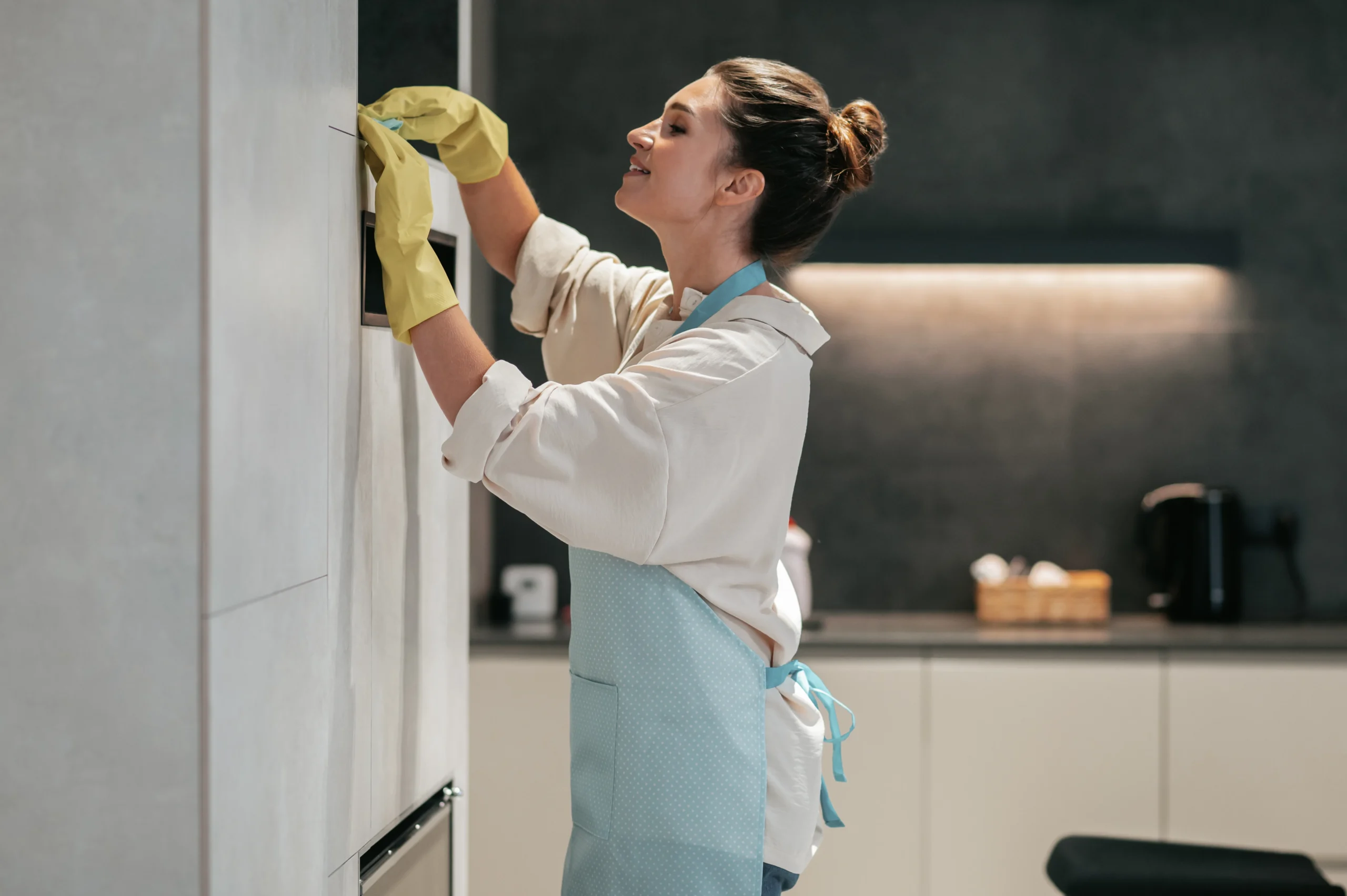
As we have discussed before, cleanliness is critical and can lead to negative reviews even when the rest of the stay has gone well.
To reduce that risk as far as possible, you need a repeatable process:
- A specific checklist for each room.
- An independent final inspection whenever possible.
- Photographic evidence of critical areas.
- Protocols for bathrooms, kitchens, linen and odours.
- Scheduled deep cleans.
- Fast communication between cleaning and maintenance teams.
Take particular care here: shortening the turnaround between departure and the next arrival allows you to sell more nights, but increases the risk that your team cannot inspect the property properly. That extra occupancy can prove expensive if it causes a complaint, a refund or several negative reviews.
Create More Opportunities with Availability and Flexible Rules
A property can only appear for dates that are open and searches that meet its minimum stay. For example, if two nights remain free between bookings but you have set a three-night minimum, the property will not be an option for someone looking for those two nights.
Reviewing these restrictions can improve holiday flat occupancy without lowering every rate. You can reduce minimum stays only for approaching dates, accept arrivals on more days of the week or open your calendar further ahead if guests in your market book early.
Remember, though, that every short stay means another clean, more laundry, a new check-in and additional guest support. Before relaxing your rules, calculate what the booking contributes after those costs.
Finally, your cancellation policy also affects the decision. A flexible option can help conversion during quieter periods, but increases your exposure to cancellations. It is better to assess each channel’s history than to use the same settings throughout the year.
Distribute Across Platforms While Staying in Control
Listing on Airbnb, Booking and other websites gives guests more places to find you. However, using more platforms does not create demand by itself or guarantee that holiday rental occupancy will rise. Each channel performs differently depending on the destination, guest profile, length of stay and time of year.
Commission, commercial programmes, policies and payment methods also vary, so keep a close eye on them when assessing each decision. On Booking, for example, certain programmes can increase visibility at a higher cost. Measure net bookings rather than simply the volume you generate.
To understand its calendar, conditions and day-to-day operation better, you can read about how Booking works for property owners.
In any case, if you use several platforms, we recommend synchronising availability and prices to avoid double bookings, then comparing channels to inform your decisions:
- Impressions and visits.
- Booking conversion.
- Cancellations.
- Nights sold.
- Revenue and discounts.
- Commission and other costs.
- Final net income.
And, of course, avoid this mistake: keep the same conditions, amenities and limitations across channels so you do not create different expectations, even when you adapt the wording to each platform.
What to Review Each Week to Increase Occupancy
You do not need to track twenty indicators every day. A weekly review is enough to act on dates you can still sell and identify whether the problem lies in visibility, clicks or bookings.
Start with these figures:
- Available and booked nights for the next 30, 60 and 90 days.
- Airbnb occupancy rate and occupancy across your other channels.
- Average rate and the total price guests see.
- Booking lead time.
- Average stay length and empty nights in the calendar.
- Impressions, visits and conversion.
- Cancellations and their reasons.
- Net income by channel.
Compare equivalent periods and similar properties. National or regional figures can provide context, but they cannot replace the behaviour of your immediate area, property type and your own historical performance.
Finally, if impressions are low, review availability, restrictions, price and content. If you receive visits but no bookings, look closely at the final price, photos, reviews and conditions. When occupancy is good but margins are low, aim to improve the result of each booking rather than sell more nights.
Increase Bookings Without Turning Your Property into a Second Job
Increasing occupancy means understanding what is holding bookings back and acting on that part of the process, while balancing nights sold, rates, costs and operational workload.
At Home2Book, we work for you so you can earn income without taking on a second job. We handle dynamic pricing, distribution across platforms, listing management, cleaning, maintenance and guest support to help you increase bookings for your holiday flats without having to coordinate each task separately.
Contact us through this form and we will be happy to help with whatever you need.