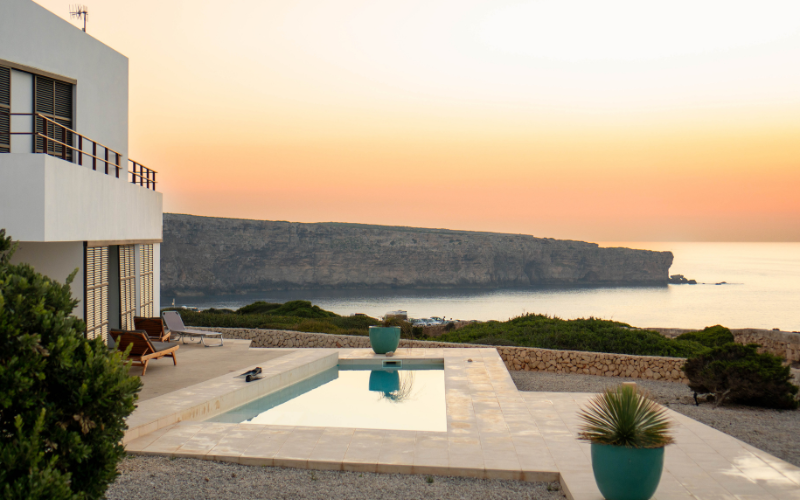


Publishing your property on Airbnb is relatively simple. In fact, all you need to do is create the listing, set a price, and wait for bookings to come in.
However, that approach doesn’t guarantee good results at all. Most likely, you won’t be taking full advantage of the platform’s potential to keep your property booked year-round.
That’s why, before getting started on Airbnb, it’s important to understand in depth:
- How calendar management works
- What the cancellation policies are like
- How to use the messaging system
- And above all, how and when Airbnb pays you
With this information, you’ll be sure to become a top-rated host, have fewer problems, and—if issues do arise—know exactly how to handle them.
So without further ado, let’s take a look at how to make the most of Airbnb as a property owner.
What is Airbnb and how does it work for hosts?
Essentially, Airbnb is a marketplace (or an online store, if you prefer) for accommodations, where you can list your property so guests can book it on the days it’s available.
In that sense, it’s quite similar to how Booking works, although there are some differences we’ll look at next—such as how listings are published.
Steps to list your property on Airbnb
Step 1.- Create Your Account and Verify Your Identity
The first thing you need to do is register with Airbnb using a Google or Apple email, then verify the account with your mobile phone and ID document, in a similar way to opening a bank account.
Next, you need to upload a profile photo and add a short bio, which is used to build trust and personalise the experience, something that does not happen on Booking, for example.
While you are doing this, also check whether your city or autonomous region requires a licence or registration number and have it ready, because Airbnb will ask for it before you can publish the listing.
A quick tip: so you do not lose access to Airbnb, save the login in your browser bookmarks using a label such as “Airbnb host access” or similar.
And if you prefer to manage everything from your mobile, install the app: search for Airbnb host app in Google Play or the App Store so you can download it and use it directly from your phone.
Step 2.- Create a Strong Listing for Your Property
Start with the title, which, as the name suggests, should be the headline for what you are offering. You can mention the views, the location and, if you want, highlight a distinctive feature of your property.
Then write a description that starts with your value proposition, continues room by room and, if necessary, also mentions what the property does not have, for example, “third floor with no lift” or “street with nightlife”.
Believe it or not, mentioning the negatives helps manage expectations and prevents problems later with negative reviews, which, as we will see further on, are crucial for building a good reputation and keeping the calendar full all year round.
Once you have done this, which will take a little time, prepare the property photos. Ideally, they should be taken in natural light, with a clean composition, and you should choose one as the main photo that stands out for its quality or beauty so the guest stops scrolling.
Do not forget to include photographs of the living room, bedrooms, bathroom, kitchen, outdoor areas if there are any, and a detail that conveys the atmosphere guests will enjoy during their stay.
Finally, tick the services or amenities you are going to offer on the checklist: Wi-Fi, air conditioning, cot, desk and so on, and specify the maximum capacity of the home and its layout.
Step 3.- Set Availability, Rules and the Cancellation Policy
Start by blocking your personal dates, if you want any, and defining the minimum stay, for example 2-3 nights so you do not have too much turnover.
Then write clear rules that answer the questions guests usually ask:
- Is smoking allowed?
- Can I bring pets?
- Can I have parties?
- Is there a quiet time after a certain hour?
- Can I bring visitors?
- At what times will the owner be available if I have a problem?
Finally, when it comes to cancellations, we recommend finding a balance between a flexible option and a firmer one for certain dates.
Important: later this year, free cancellation within 24 hours is expected to become available if the booking is made at least 7 days in advance.
Step 4.- Adjust Prices and Offer Discounts If Appropriate
First, we recommend researching the properties already listed in your area, comparing them with yours and setting a base price in line with what you find.
Then calculate your cleaning fee so it covers the real cost, including professional cleaning as well as bed linen, towels and so on.
Next, if this is the first time your property is on Airbnb, activate the launch discount for the first 3 bookings and, if you want to attract longer stays, you can also use weekly or monthly discounts.
Finally, although we recommend asking a revenue management expert to help with this last part, you can also activate Smart Pricing so prices rise or fall depending on demand. That said, be careful and set a minimum and maximum range to protect your margin and avoid losing money.
How to manage bookings and Guest communication
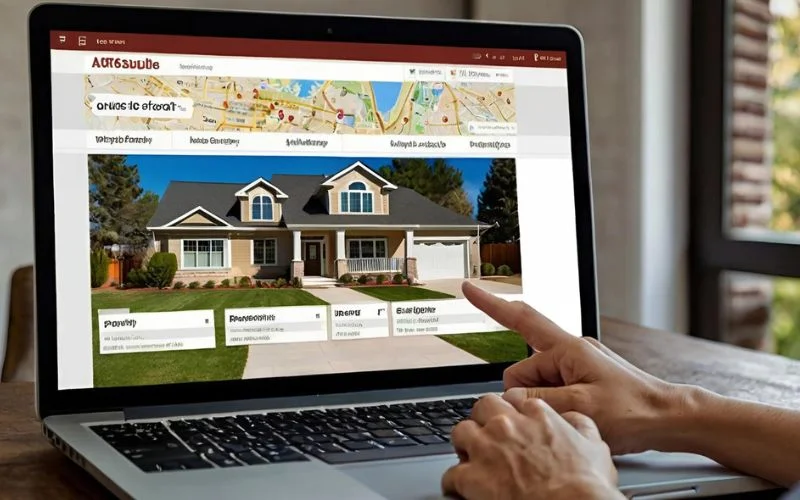
This part is a little different from Booking, for example, where bookings arrive immediately and you cannot approve or reject them.
On Airbnb, if you want, you can configure the platform so you receive a request first and then decide whether to accept it within 24 hours.
If you do not want to do it this way and would rather keep things simple, you can also enable instant booking so the guest can confirm their reservation immediately, provided they meet the minimum filters you have set.
When it comes to guest communication, bear in mind that the conversation starts well before the traveller arrives at your property.
That is why, so the relationship starts well and guests have the best possible experience, we recommend following a strategy that has worked very well for us while managing more than 600 properties on this platform:
- Send a short, human welcome message once the booking is confirmed
- Two days before check-in, send a message with arrival instructions, including access, parking and an emergency contact.
- 24 hours before, ask for the expected arrival time to coordinate access and, if you use a lockbox or smart lock, make the code clear and include a plan B in case they have trouble getting in.
- On the day itself, send a friendly reminder so they do not forget anything.
Be careful: remember that the platform rewards hosts who respond quickly and well. So if you reply within minutes and keep your response rate above 90%, you will improve your position and move closer to becoming a Superhost, with all the advantages that brings.
In fact, the ideal option is to have the app on your mobile, as we said earlier, so you can reply without depending on the extranet accessed from a computer.
How Commissions and Payments Work
Airbnb’s payment system can be a little confusing, so let us clarify it.
In short, you have 2 options:
1.- If you work with the split-fee model, you pay 3% on the subtotal, while the guest pays their own service fee, which can reach up to 14% depending on the country and amount.
2.- If you choose the host-only fee, you cover that 14% and the guest sees only the final price.
As for payout, Airbnb releases your payment 24 hours after check-in and, from there, several things can happen depending on the payment method:
- If it is a bank transfer, payment usually takes 3 to 5 working days
- PayPal takes roughly 1 day
- And with Payoneer, it can even arrive in less than 24 hours.
If you manage a stay of more than 28 nights, you are paid 24 hours after the first check-in and then month by month.
Finally, if your account is new, Airbnb may hold the first payment for 30 days as an anti-fraud control measure. But do not worry: it is a normal procedure and only happens the first time.
What AirCover Is and How to Use It to Manage Incidents
It is not the norm, but sometimes you may have problems with guests who have caused damage to the property, from minor issues such as stains on sofas to more serious ones such as completely broken furniture or damaged tiles.
But do not worry, because Airbnb has a protection system called AirCover for Hosts, which includes damage protection of up to 3 million dollars and liability insurance of up to 1 million, in case a guest is injured due, for example, to poor maintenance of some part of your property.
If any of these cases arises, here are a few recommendations to help resolve everything in the best possible way:
First, document the incident with photos, videos, receipts or quotes you needed to repair the damage.
Second, open the case in the Resolution Centre and act quickly, because you only have 14 days from check-out or until the next guest arrives to resolve it, whichever comes first.
If the guest accepts, the matter is resolved. If they do not respond or reject it within 24 hours, the AirCover team steps in to resolve the case.
Whatever happens, never think of AirCover as a replacement for your home insurance. It is only a complement to it. So please be careful and do not cancel your policy.urance—it’s only a supplement. So please don’t cancel your own policy.
How Reviews Work and How to Use Them to Build Your Reputation

RReviews are a separate chapter that you need to take very seriously because your reputation depends on them.
The first thing you need to know is that Airbnb applies a “double-blind” review policy, meaning you leave a review and your guest does too. Both are published at the same time or after 14 days, which is the maximum time Airbnb gives you to respond.
In practice, what most affects the final score is not tricks or supposedly secret formulas, but something as simple as expectation management:
- If you promise views, make sure they can be seen
- If there is no lift, say so
- If the street has nightlife, mention it.
Thanks to this transparency, the experience is more predictable and misunderstandings almost disappear. Remember we mentioned this at the start?
Even so, it is worth following these good practices:
If problems arise, respond quickly, propose a specific solution and leave a written record in the message thread, so if there is a dispute you have traceability.
When saying goodbye, thank guests for their stay and ask for a review gracefully. Also, if you review them first, many guests will reciprocate and leave theirs too.
And if a review contains insults or false claims, you can always request a review so Airbnb can remove it.
Pros and Cons of Using Airbnb as a Host
The benefits of using Airbnb as a host are obvious:
- It gives you flexibility to open and close the calendar whenever you want
- It allows you to receive payments easily
- And it gives you global reach that would be difficult to achieve on your own.
That said, there are certain costs and drawbacks you should take into account:
On one hand, there are commissions, which you need to accept as part of the game. If you want to be on Airbnb, you need to build them into your price and choose, as we said at the start, between split fee, where part is paid by the owner and part by the guest, and host-only, where only the owner pays.
On the other hand, there is the operational work, which can tire owners out because they often do everything manually. But there is a solution if you automate some messages, standardise cleaning and use self check-in so you do not have to hand over keys all day.
There is also seasonality, which forces you to change prices and promotions so you are not left without bookings during certain periods, and this requires some basic revenue management knowledge:
- Set different minimum night prices for weekdays and weekends
- Use events such as concerts or local festivities to raise prices
- Apply long-stay offers when demand drops…
Finally, there is also the risk of damage to your property, but you can establish certain protective measures:
- Set clear rules
- Take photos of the condition of the home before and after the stay
- And, if there are incidents, open the case before the 14-day deadline we mentioned earlier.
So, as you can see, the benefits far outweigh the disadvantages, and you now have all the information you need to get started and go from being a beginner owner to a top Airbnb host.
Do You Need Help Managing Your Property?
As we said, being present on Airbnb is not difficult, but it does involve constant daily work if you want to look after your guests as they deserve:
- Responding to all their requests
- Handing over the keys
- Looking after them every day, even at weekends
- Replacing household items when needed
- Managing cleaning…
Did you really put a holiday let on Airbnb just to carry on working?
At Home2Book, we are professionals in holiday let management and currently manage more than 600 properties under this model.
We have professionals specialising in customer service, revenue management and marketing to help keep your property booked. We also take care of cleaning, key handover and even repairing damage so you do not have to worry about anything.
So, if you would like, you can contact us through this form and we will be happy to help with anything you need.